Usage
Contents
Authentication
If a user has no JWT token issued yet, Gateryx will redirect the user to the internal authentication web app. The authentication form accepts both passwords and passkeys if enrolled. The passkey selection is offered automatically by the browser.
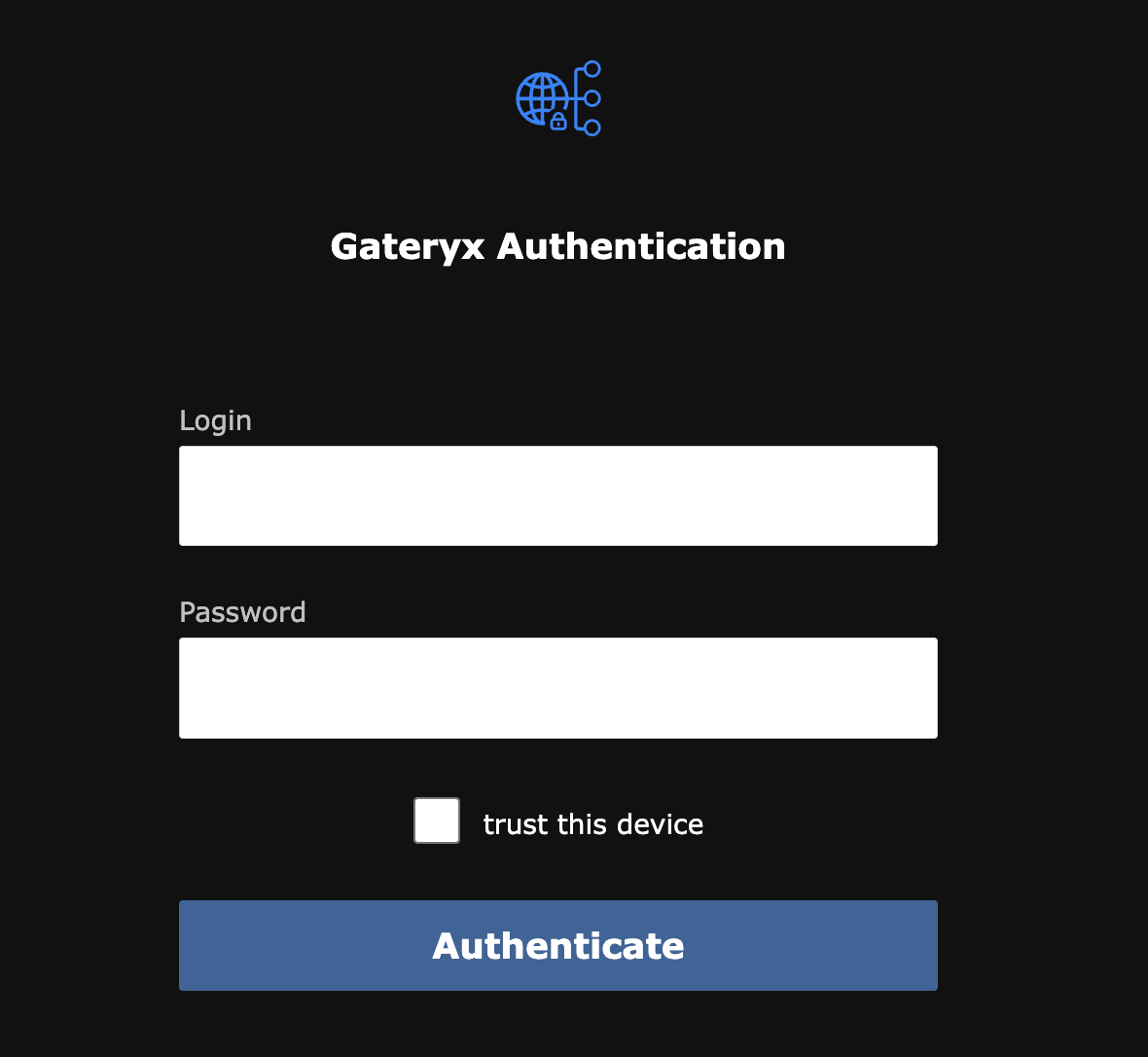
In case if the application group is deployed as APP.domain, the authentication app works as a single-signon (SSO) point, no repeated login is required until the token expires.
Trust this device mean to store the issued token in the browser’s for the all time it has been issued.
Note
If a passkey is used for authentication, the device is considered trusted no matter if the checkbox is selected or not.
Web applications
The majority web applications work out-of-the box, no special configuration/rules are required. Gateryx is designed to resolve problems automatically, in case of any issues please contact the product support.
Certain web applications may require custom web socket settings to work properly. Refer to configuration for more details.
System application
If the system application is configured, users can access it via https://gate.domain/ (or a custom subdomain if set).
The system application provides the web application list and a minimalistic interface, which allows users to:
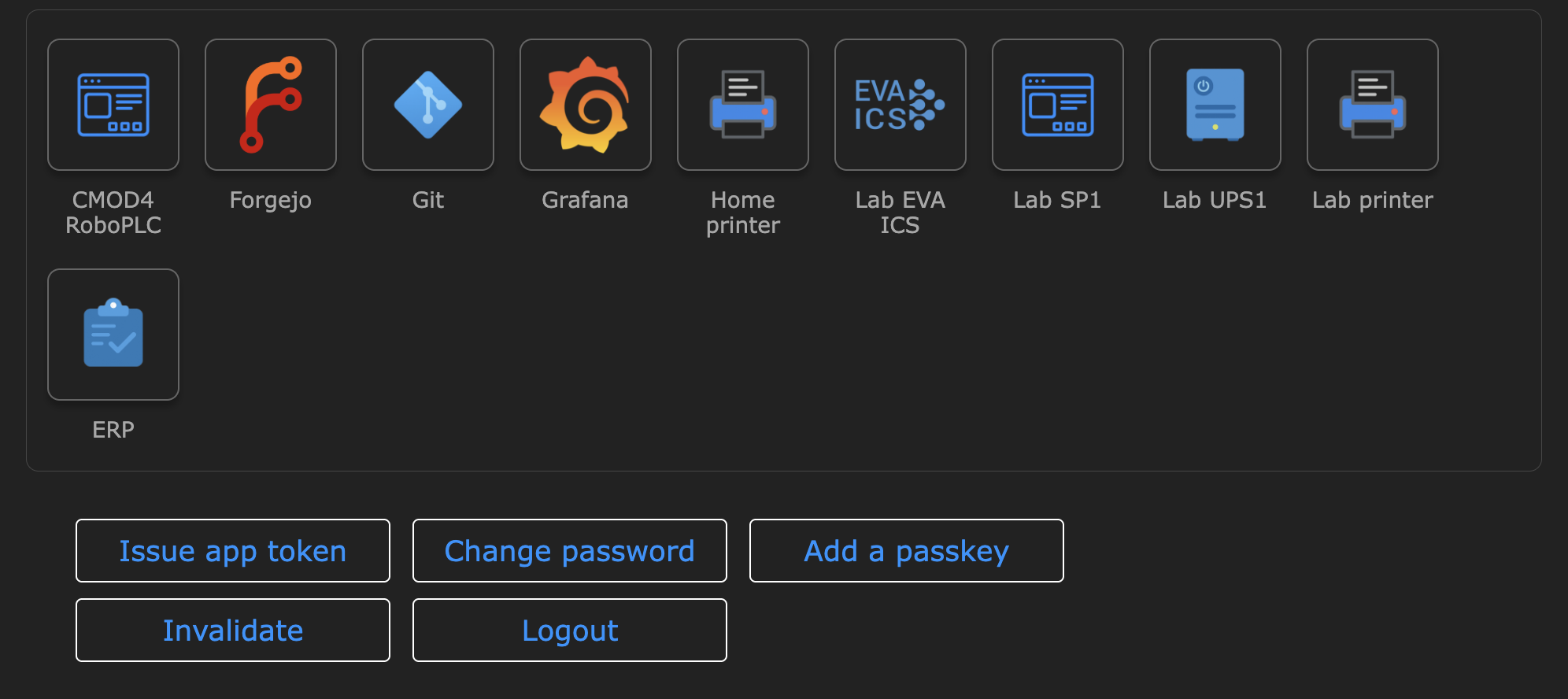
Issue app token - issue a bearer JWT token for a selected application.
Change password - works only if the authenticator is set to db (internal database).
Add a passkey - available only for the application group of the same domain.
Invalidate - invalidate all issued tokens for the user (WARNING: issued application tokens are also invalidated).
Logout - terminates the session and removes the token from the browser.
Service users
The command
gateryx user create -r USERNAME
creates a service user. Service users can not use web applications directly however can have application tokens issued.
Using application tokens
An issued application token can be sent in the following ways:
Authorization: Bearer <token> HTTP header.
Authorization: Basic <base64-encodeded-username:token> HTTP header. The username part can be any string and is ignored.
In case if the target app requires own autnorization header, an alternative header name can be specified (default: X-Gateryx-Authorization).
Note
Certain clients (e.g. git) do not send authorization headers if the user name is empty. Consider using any non-empty string.
The command
gareryx user issue-app-token -u USERNAME -a APP -x DAYS
Allows admin to issue application token for a service or regular user. The token can be issued for any days, despite the limits are configured for regular users.